Why You Should Try Putting Aluminum Foil Behind Your Router
As technology advances and more devices connect to our home networks, Wi-Fi connections can slow down, especially during peak hours when everyone in the neighborhood is online. However, a technology professor has shared a clever hack to improve Wi-Fi speed: placing a sheet of aluminum foil behind your router.
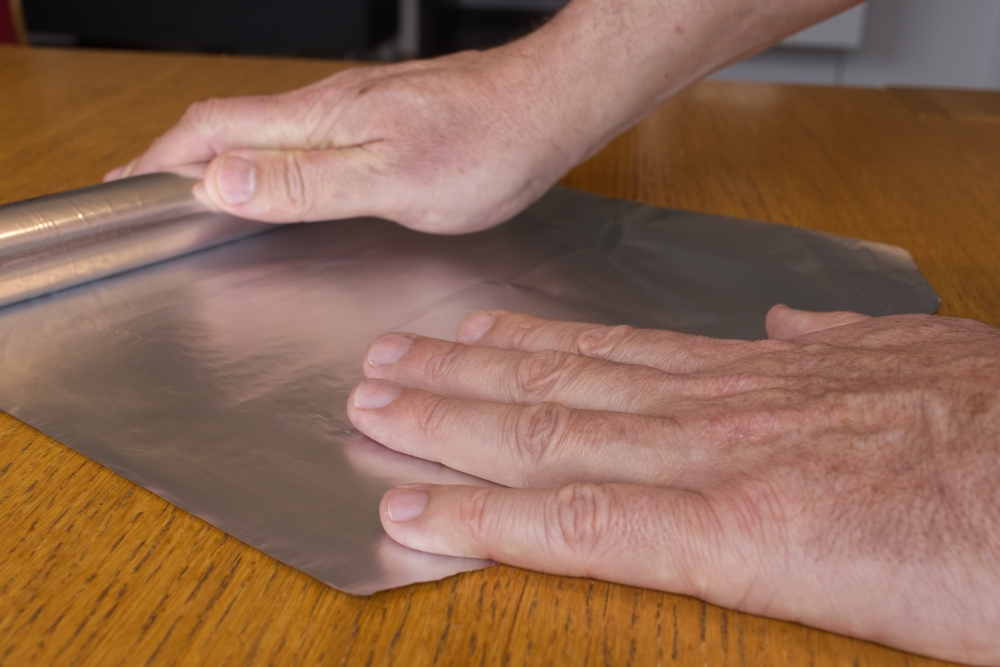
Aluminum Foil Behind Your Router for Faster Connection
When multiple devices connect to the same wireless network, the signal can weaken, much like a sprinkler head spraying water in all directions. This analogy, explained by Professor James McQuiggan, highlights how wireless signals often travel to areas where they’re not needed, reducing their strength where they are needed. Additionally, obstructions like furniture and walls can impact signal strength.
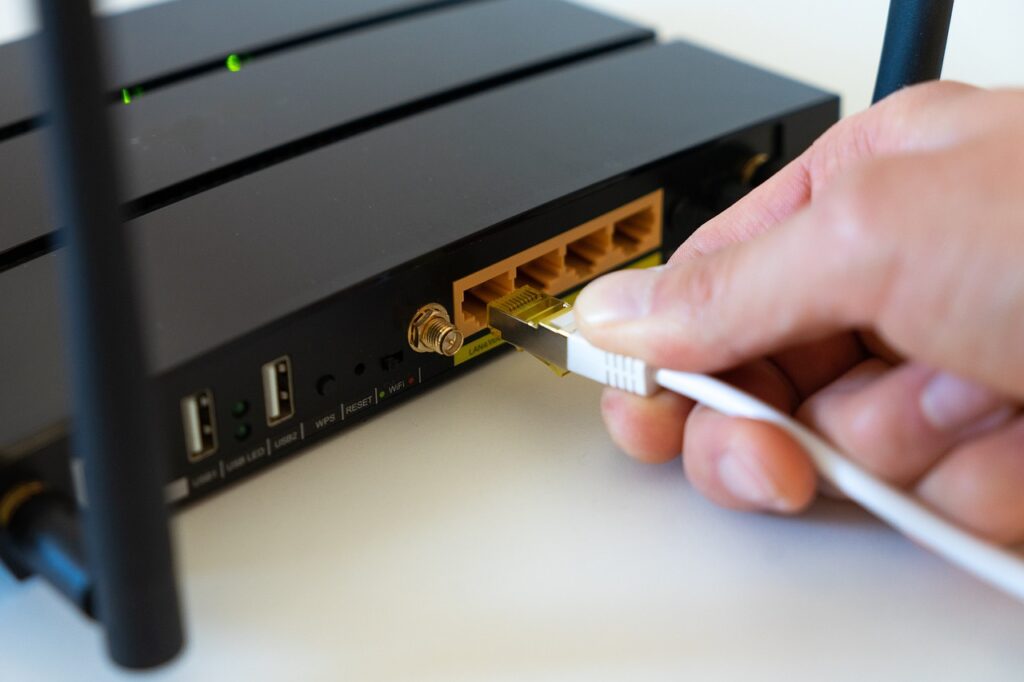
By placing aluminum foil behind your router with the shiny side facing outward, the signal is reflected, allowing it to travel more efficiently. Shaping the foil can give you more control over the signal direction. This method might seem unorthodox, but research from Dartmouth supports Professor McQuiggan’s theory. The research team created a “3D-printed shape” covered in aluminum to control signal direction, boosting it in desired areas by more than half and decreasing it in undesired areas by just over 60%.

How to Place Aluminum Foil Behind Your Router
Materials Needed:
- 1-foot sheet of aluminum foil (ensure it covers the antenna to the top, if applicable)
Steps:
- Create a “C” shape with the aluminum foil.
- Place the foil behind your router, with the shiny side facing inward toward the router.
- Fold the bottom of the foil to create a stand if extra support is needed.
Check your connection by running a speed test in the areas where you want to improve the signal. Simply search “Google speed test” and run the test to get a report on your connection speeds.
Aluminum Foil for Security
Besides improving speed, placing aluminum foil behind your router can enhance security by limiting how far the Wi-Fi signal can reach, making it harder for hackers to access your network. This physical confinement of wireless signals complements existing security measures like encryption.
Limitations and Other Tools
It’s important to note that this hack may not work for everyone. For instance, one user named Brooke tried the hack without success, noting no significant improvement in her internet speeds. Factors such as the size of your space and your internet plan can affect the outcome.
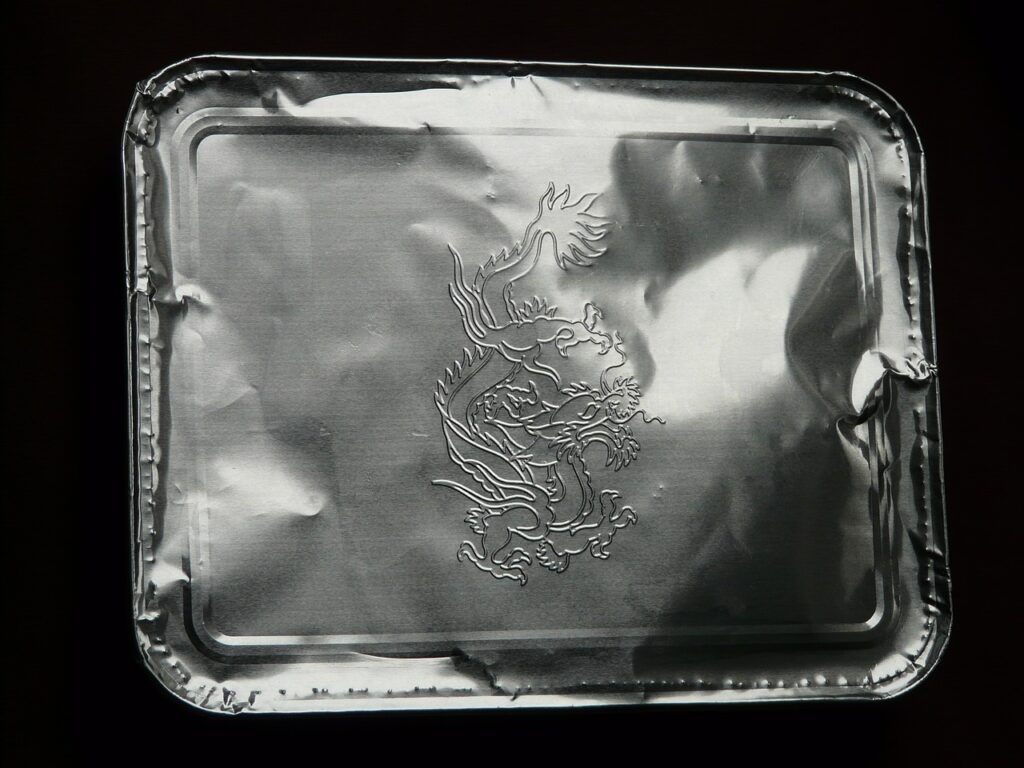
While aluminum foil is an easy option, other metal household items like baking sheets and beverage cans can also be used. The key is to shape and position them so the reflective part faces the area where you want to boost the signal.
Boosting Signal with Other Methods
If the aluminum foil trick doesn’t work for you, there are other methods to improve Wi-Fi connectivity:
- Upgrade Your Router: A newer router can offer better performance.
- Optimize Router Placement: Position your router in a central location, away from obstructions.
- Reboot the Router: Turn off the router using the power button to avoid short-circuiting.
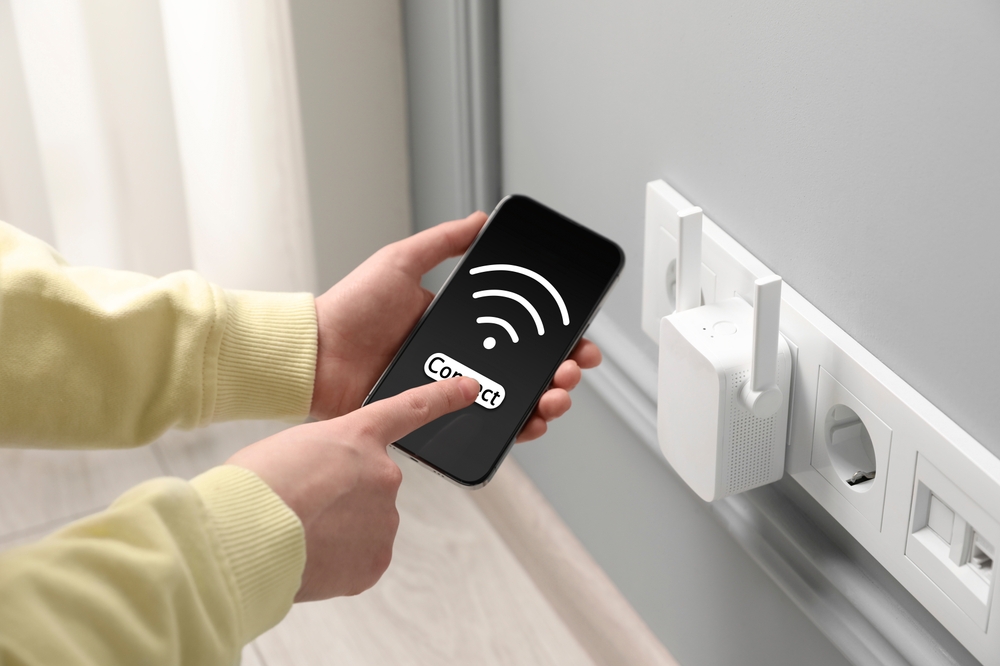
- Wi-Fi Extenders: These devices plug into a wall socket and extend your Wi-Fi signal, though they can be costly.
Additionally, resources like the national broadband map can help you troubleshoot and fix Wi-Fi connectivity issues.
ALSO READ
While the aluminum foil hack is a cost-effective solution worth trying, other options are available if you continue to experience slow connections.
